


Planning a trip with friends sounds like the best idea until you become the one managing it. Suddenly you’re the person chasing seven different people for their passport details, mediating a debate about whether to do hostels or hotels, and staring at a WhatsApp thread with 340 messages and zero confirmed bookings.
If that sounds familiar, you’re not alone — and the problem isn’t your friends. It’s that there’s no real system for planning a group trip. Until you build one.
This is the complete guide to how to plan a group trip without the chaos. Every step, in the right order, with the tools that actually work. Whether you’re organising a 6-person Goa trip or a 14-person Euro summer, the framework is the same.
Why Group Trips Fall Apart Before They Even Start
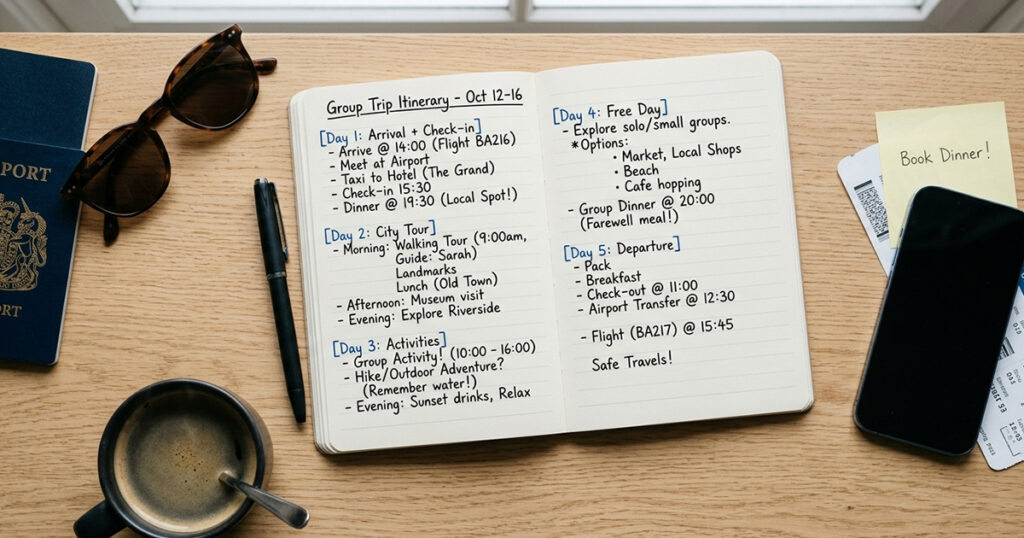
Most group trips don’t die on the road. They die in the planning phase — usually around Week 2, when the initial excitement has faded, three people are still “checking their calendars,” and nobody has booked anything.
The root cause is almost always the same: no single source of truth. When plans are spread across WhatsApp messages, shared Google Docs nobody updates, and a voice note one person sent in February, the group loses confidence in the plan. And when people lose confidence, they stop committing.
The fix isn’t a different chat app. It’s a structure — a clear sequence of decisions, in the right order, documented somewhere everyone can see.
Here’s that structure.
Step 1 — Agree on a Destination and Dates Before Anything Else
The single most important step when planning a group trip is locking dates before you discuss destinations. Once everyone has confirmed the same window of availability, the destination choice becomes far easier — and far faster.
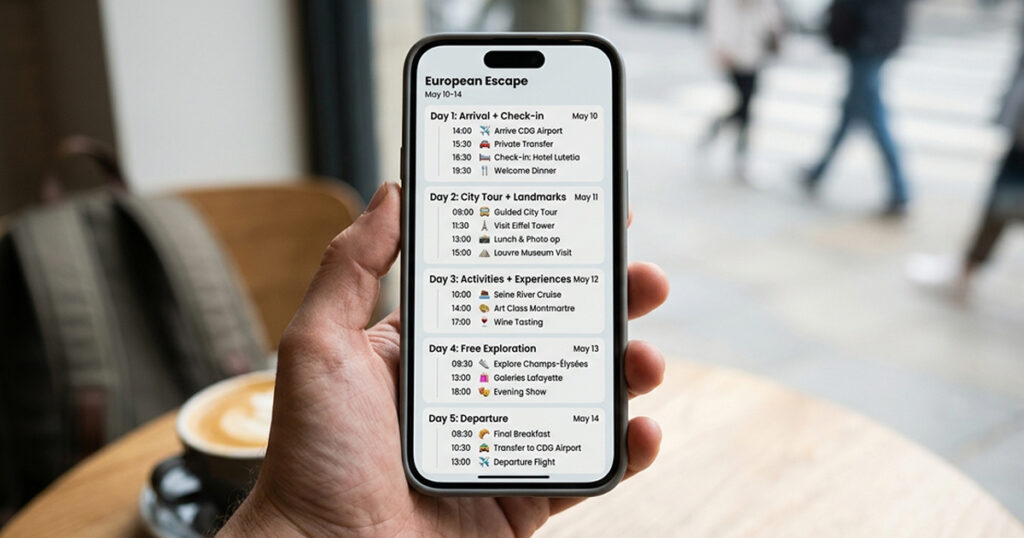
This sounds obvious. It never gets done this way.
What usually happens: someone suggests Bali, another person says Thailand is cheaper, a third person has only seen a beach in screenshots and just says “yes to both,” and three weeks later you’re still in the same conversation with zero dates confirmed.
The fix is simple: dates first, destination second.
How to lock dates without a two-week back-and-forth:
- Use a free Doodle poll (doodle.com) or WhatsApp poll to collect available dates from every person simultaneously
- Give the group a 48-hour deadline to respond — not open-ended
- Look for a window with 70%+ availability and commit to it
- Accept that someone might miss the trip — that’s part of group travel
Once you have a confirmed travel window, paste the dates into your group chat and say: “These are the dates. Now — where do we go?” That’s a different, much faster conversation.
On picking the destination: Give the group two or three real options — not an open field. “Where should we go?” generates noise. “Goa, Pondicherry, or Coorg — which one?” generates decisions. Add a rough per-person cost estimate to each option. Budget context ends most destination debates in under 24 hours.
Step 2 — Set a Group Budget — Honest and Early
Before any booking happens, get a clear per-person budget from every group member. This is the conversation most groups avoid until it’s too late — and it’s the single biggest source of post-trip tension when it’s skipped.

Nobody wants to be the person who says “actually, I can’t afford that hotel.” So instead, people silently agree to things they can’t comfortably afford, spend the whole trip slightly stressed about money, and then go quiet when the final settlement comes through.
Having the budget conversation early — before anything is booked — removes all of that. It’s not awkward. It’s responsible.
How to have it without making it weird: Send a private poll asking each person for their comfortable per-person spend for the full trip (not per day — total). Not their maximum. Their comfortable number. There’s a difference.
Look at the range of responses. If most people cluster around ₹20,000–25,000 but two people said ₹40,000+, you have two tiers. You can still travel together — just book accommodation that works for the budget range, let the higher-budget people upgrade to a nicer room in the same property, and keep shared costs (food, transport, activities) at the lower tier.
Sample Per-Person Budget Breakdown
Here’s a realistic breakdown for a 4-day trip to Goa for a group of 7:
| Expense | Budget | Mid-Range | Comfortable |
| Accommodation (per person/night) | ₹700–1,000 | ₹1,500–2,200 | ₹2,800–4,500 |
| Food (per person/day) | ₹400–600 | ₹800–1,200 | ₹1,500–2,500 |
| Transport (shared, per person) | ₹500–700 | ₹900–1,400 | ₹1,800–3,000 |
| Activities (total per person) | ₹600–1,200 | ₹1,500–3,000 | ₹3,500–6,000 |
| Total 4 days per person | ₹8,000–11,000 | ₹16,000–24,000 | ₹30,000–48,000 |
Run this calculation for your destination, share the numbers with the group before any booking, and suddenly everyone’s working from the same page.
Step 3 — Stop Planning in WhatsApp — Use a Group Trip Planning App
The most effective step you can take to reduce group trip chaos is moving the plan out of WhatsApp and into a dedicated group trip planning app. A shared itinerary that every group member can see, edit, and access offline eliminates 80% of the confusion that happens when plans live in a chat thread.
WhatsApp is genuinely brilliant at many things. Planning a group trip with 7 people isn’t one of them.
The problem is architecture. WhatsApp is a conversation tool — it’s designed for messages flowing one after another, chronologically. Trip planning isn’t like that. You need to find the hotel booking from two weeks ago, the restaurant someone recommended on Day 3, and the transfer time to the airport — all at different moments, often mid-trip, often with no signal.
When plans live in a chat thread, they’re impossible to find when you need them. When they live in a shared itinerary, they’re always there.
Tripsil — Trips Simplified is a free group trip planning app built specifically for this. Everyone joins through one link — creates a quick account— and from that moment they can see the shared itinerary, add items, log expenses, and use the built-in group chat, all in one place. The full plan is accessible offline, so it works even when you’re in a beach shack with no signal.
Download Tripsil free →App Store · Google Play
Other tools have pieces of this: Wanderlog is strong for map-based itinerary planning and road trips. Splitwise handles expense splitting well as a standalone tool. But for a group trip where everyone needs to be on the same page — itinerary, expenses, and communication combined — an all-in-one app cuts the setup time in half and keeps everything connected.
Step 4 — Build a Day-by-Day Itinerary Together
A group trip itinerary should be built collaboratively — not sent from one person to the group as a finished document. When everyone contributes to building the plan, everyone feels ownership over it, and the chances of people actually following it increase significantly.
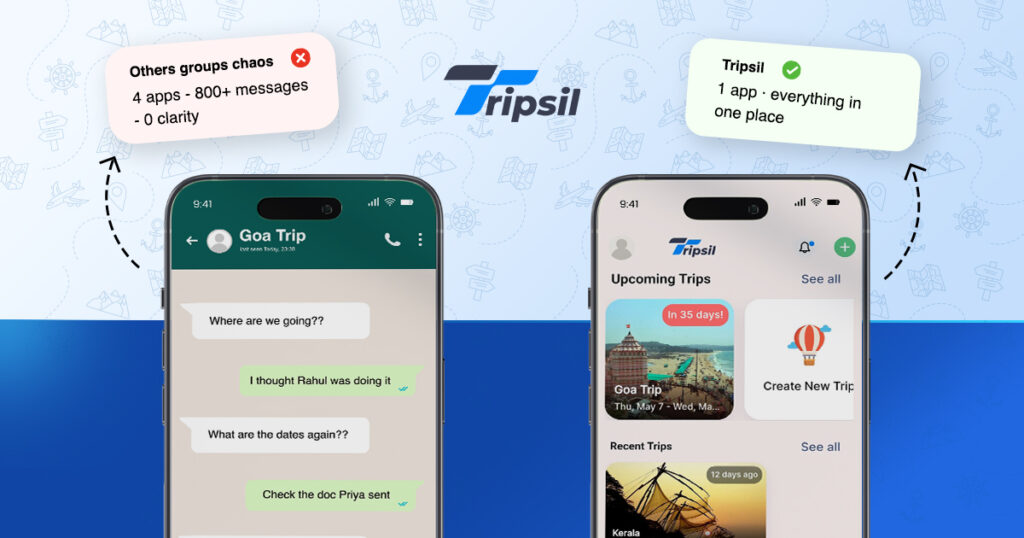
The best group trip itineraries aren’t rigid schedules. They’re structured anchors. Two or three confirmed items per day — a morning activity, an evening plan, a confirmed restaurant — with free time built in around them. Too much structure and the itinerary becomes a burden. Too little and you’re making every decision in real time with 7 people, which takes forever.
Sample 5-Day Group Trip Itinerary (Goa)
| Day | Morning | Afternoon | Evening |
| Day 1 (Fri) | Arrive, check in | Baga Beach, settle in | Dinner at Fisherman’s Wharf |
| Day 2 (Sat) | Old Goa churches tour | Free / rest / pool | Sundown drinks at Curlies, Anjuna |
| Day 3 (Sun) | Spice plantation visit | Arambol Beach (quieter) | Beachside restaurant, night market |
| Day 4 (Mon) | Water sports — Calangute | Dudhsagar Falls day trip | Group dinner, card games at villa |
| Day 5 (Tue) | Late checkout, beach morning | Depart | — |
This structure takes about 90 minutes to build as a group — and it replaces weeks of “what should we do on Day 3?” conversations.
Practical tips:
- Assign one person to make the final call on each day’s anchors. Group consensus on every item takes too long.
- Book restaurants that need reservations at least 3–4 days out. Good spots fill up fast, especially in peak season.
- Build in one completely free afternoon. Every group needs downtime and the freedom to split up.
- Add bookings and confirmation numbers directly into the itinerary — not in a separate email or message thread.
Step 5 — Track Every Expense From Day One — Not at the End
Log group expenses in real time, from the first shared cost. Trying to reconstruct eight days of shared spending from memory at the end of a trip is how money disputes start — even between people who trust each other completely.
This isn’t about distrust. It’s about accuracy. When one person has been fronting costs for the whole group — the Airbnb, the rental car, the big group dinner — the number in their head at the end of the trip is almost always higher than the number everyone else is picturing. Neither party is wrong. Both are working from incomplete information.
The only solution that actually works is real-time logging.
The two-step system:
- Any time someone pays for something group-related — a restaurant bill, a taxi, an activity — they log it immediately. Name of expense, amount, what it covers, who paid.
- At the end of the trip (not mid-trip), look at the balance and settle. Minimum number of transfers, maximum clarity.
Tripsil’s expense splitting feature does this automatically. Every expense you log updates everyone’s balance in real time — so at any point during the trip, every person in the group can see exactly where they stand. No mental arithmetic, no awkward “I think you owe me about ₹3,000?”
Step 6 — Keep Everyone in the Loop With One Group Chat
Move trip logistics out of WhatsApp and into a group chat connected to your itinerary. When every discussion happens in context — next to the plans and expenses it relates to — decisions get made faster and nothing gets lost.
The WhatsApp group trip thread fails for one structural reason: it mixes everything together. Logistical questions, personal messages, memes, voice notes, and the hotel address are all in the same stream. Finding anything requires scrolling — and scrolling under pressure, mid-trip, at an airport, is one of the more stressful travel experiences there is.
Tripsil’s built-in group chat lives inside the trip. When someone asks “what time is the restaurant?” the answer lives next to the itinerary item for that restaurant. When someone asks about splitting the activity cost, the expense tracker is one tap away. Everything is in context, not buried.
The WhatsApp group can stay. It’s great for casual messages and sending photos. But logistics — confirmations, changes to plans, expense questions — should live in a tool that keeps them organised.
Step 7 — Capture the Memories — Not Just the Plans
This step gets skipped because it feels optional. It isn’t.
The point of a group trip isn’t the itinerary. It’s the shared experience — the dinner that went on three hours longer than planned, the unscheduled beach morning, the photograph that becomes everyone’s phone wallpaper. If those photos are scattered across 7 phones and buried in private camera rolls, most of them disappear within a year.
Build a shared photo album for the trip. Not a WhatsApp album — those expire. A dedicated shared collection where anyone in the group can upload directly and access it long after the trip ends.
Tripsil’s trip memories feature does exactly this — a shared album organised by trip and date, accessible to every group member forever. It takes about 30 seconds to set up and solves a problem most groups only notice when it’s too late.
Pro tip: Designate someone in the group as the “memory person” — the one who actively takes photos throughout and uploads them daily. It doesn’t have to be the same person as the trip organiser. In fact, it shouldn’t be.
Plan Your Group Trip With Tripsil — Trips Simplified
Planning a group trip well comes down to one thing: everyone working from the same information, in the same place, at the same time. When the plan is scattered across five apps and a WhatsApp thread, something always gets missed, someone always feels out of the loop, and the organiser burns out before the trip even starts.
Tripsil — Trips Simplified is the free app built for exactly how group trips work. One link, everyone joins instantly. From there, the shared itinerary, expense tracker, group chat, and photo memories are all connected. Everything your group needs, nothing it doesn’t.
→ Create your trip itinerary easily — day-by-day, real-time, collaborative
→ Organise group trips without the chaos — one link, everyone’s in
→ Track expenses and s
→ Save trip memories in a shared album — accessible forever, never lost in a chat
→ 100% free on iOS and Android — no subscription, no catch
Download Tripsil free today and start your first group trip in 60 seconds:
Tripsil — Trips Simplified. Plan together. Travel together.
Frequently Asked Questions
Q: What is the best free app for planning a group trip?
Tripsil — Trips Simplified is the best free app for group trip planning because it combines the four things a group actually needs in one place: a shared itinerary, expense splitting, built-in group chat, and a shared photo album. Every core feature is free on both iOS and Android, with no subscription required.
Q: How do you split travel expenses fairly in a group?
The fairest system is to log every shared expense in real time as someone pays it, then settle all balances at the end of the trip in the minimum number of transfers. Avoid settling mid-trip — it creates confusion. A dedicated expense tracker like the one built into Tripsil does the maths automatically, so the final settlement is clear and accurate.
Q: How far in advance should you plan a group trip?
For a domestic group trip of 4–8 people, 4–6 weeks is usually sufficient. For international trips or larger groups, start 8–12 weeks out — accommodation options narrow fast when you’re booking multiple rooms, and group decision-making adds at least two to three extra weeks to any planning timeline. The earlier you lock dates and destination, the more options you have.
Q: How many people is too many for a group trip?
There’s no hard limit, but groups of 6–10 are the sweet spot for most domestic trips — large enough for great energy, small enough to get everyone into the same restaurant without a private dining room. Groups of 12+ work well for villa or resort-style trips where space is abundant. Beyond 15, plan around sub-groups with separate rooms but shared activities for the highlights.
Q: What if people in the group have different budgets?
Collect comfortable budgets privately before any booking happens — not publicly in the group chat. Look for a shared range and build the trip around the comfortable middle. Let higher-budget members upgrade their accommodation or spend more on personal meals. Keep shared costs — activities, group dinners, transport — at the level everyone can comfortably afford. Most “budget conflict” trips are actually planning communication failures, not budget incompatibilities.
Q: How do you stop one person doing all the group trip planning?
Distribute the workload by assigning ownership to specific tasks, not just by asking for “help.” Give one person flights, another accommodation, another activities and restaurants. The trip organiser keeps the master itinerary and coordinates, but doesn’t execute everything alone. A shared app like Tripsil makes this easier because everyone can see and add to the same plan — it’s not a document being emailed back and forth.